




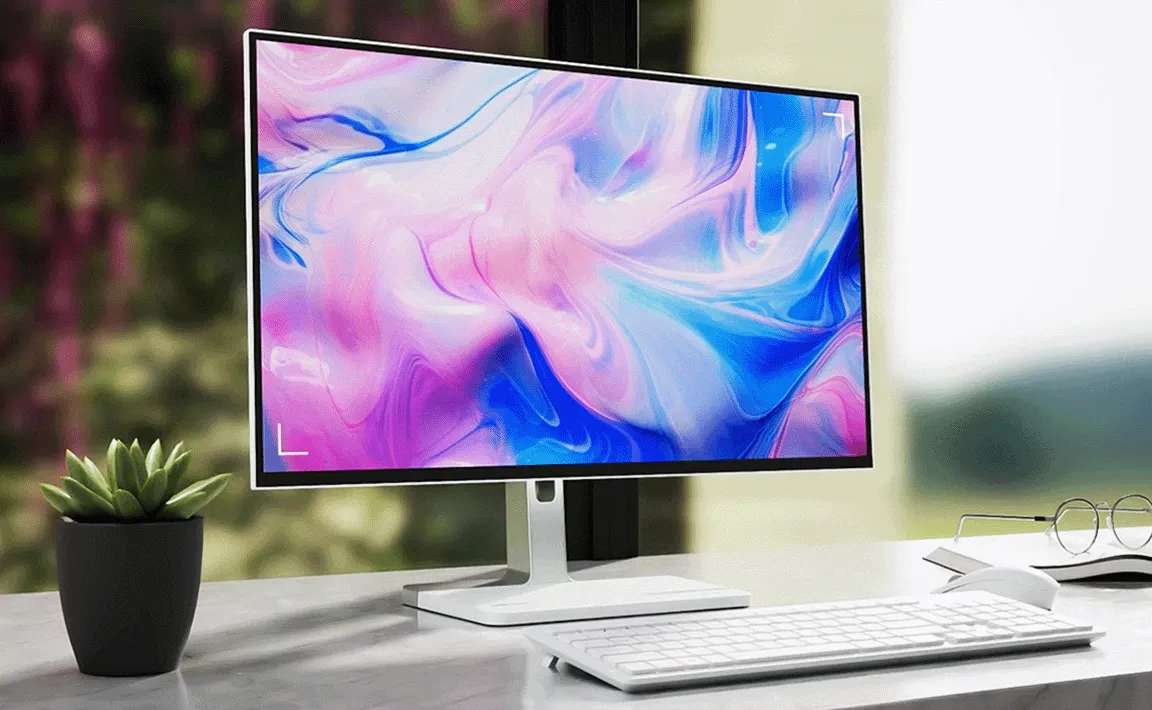
A monitor has a major influence on how comfortable and productive a computer setup feels. Whether someone spends the day working through spreadsheets, editing photographs, attending online meetings or playing games, the display is the part of the system they continuously look at. Choosing the right one deserves more thought than simply selecting the largest screen available.
Screen size, resolution, refresh rate, panel technology and connectivity can all affect the experience. Understanding these features helps buyers choose a display suited to the way they actually use their computer.
Start With the Main Purpose
The ideal monitor depends heavily on its intended workload. General office users may prioritise comfortable viewing, practical connectivity and sufficient workspace. Designers and photographers often pay closer attention to resolution and colour performance, while gamers may place greater importance on refresh rate and response characteristics.
People comparing Computer Monitors Kenya should therefore begin by identifying their most frequent activities. A monitor designed around genuine requirements is usually more useful than one chosen simply because it has an impressive specification.
Match Screen Size With Resolution
Screen size and resolution should be considered together. A larger screen provides more physical viewing space, while resolution determines how much detail the display can show.
Full HD remains practical for many everyday tasks, particularly on moderate screen sizes. Higher resolutions can provide additional detail and working space, which may benefit creative applications, large spreadsheets and users who keep several windows open simultaneously.
Desk depth also matters. A very large monitor positioned too close to the user may be less comfortable than a smaller display placed at an appropriate viewing distance.
Consider the Benefits of Multiple Screens
Some work environments benefit from having two monitors rather than one larger display. An employee might keep email or reference material on one screen while working on a document or application on another.
This arrangement can be useful for finance teams, programmers, researchers and other professionals who frequently move between applications. Before creating a multi-monitor setup, users should check whether their computer provides the necessary video outputs.
Matching screen dimensions and resolutions can also make displays feel more consistent.
Gaming Displays Have Different Priorities
Gaming can place different demands on a display than ordinary office work. Refresh rate is one important consideration because it determines how frequently the screen can update the displayed image. Higher refresh rates can produce smoother motion when the computer is capable of delivering suitable frame rates.
When selecting a Monitor For Gaming, buyers should consider resolution, refresh rate, response characteristics and compatibility with their graphics hardware. Purchasing a demanding high-resolution display makes little sense if the computer cannot run preferred games effectively at that resolution.
A balanced relationship between the monitor and gaming PC is more important than maximising one specification.
Understand Panel Differences
Monitors can use different panel technologies, each with its own characteristics. Depending on the type, differences may be noticeable in colour reproduction, viewing angles, contrast and response performance.
There is no single panel type that suits every user. Someone working with visual content may prioritise colour characteristics, while a competitive gamer could value responsiveness. Office users may instead focus on comfortable everyday viewing and price.
Looking at the complete specification is therefore more useful than choosing a monitor based solely on panel terminology.
Check Connectivity Before Buying
A suitable display still needs to connect properly to the computer. HDMI and DisplayPort are common on modern equipment, while USB-C is increasingly useful on compatible laptops and monitors.
Users should check the available outputs on their computer before choosing a display. This is especially important for laptops, where port selection can be limited.
Some monitors can also provide additional connectivity for peripherals. Depending on the model and computer, this can help create a cleaner desk setup with fewer separate connections.
Think About Ergonomics
Display quality receives plenty of attention, but physical positioning is equally important for people who spend hours at a desk. Height, tilt and viewing distance can influence everyday comfort.
An adjustable stand provides more flexibility than a fixed one. Users considering monitor arms should check whether the display supports the appropriate mounting standard.
The surrounding workspace should also be considered. Reflections from windows or strong lighting can make a screen harder to view, so monitor placement can be just as important as brightness specifications.
Avoid Paying for Features You Will Not Use
Premium monitors may include very high refresh rates, advanced connectivity or resolutions intended for demanding workloads. These features can be valuable when they solve a real requirement, but they are not automatically necessary for every buyer.
An office user working mainly with documents may gain more from comfortable sizing and useful connectivity than extreme gaming specifications. Similarly, a gamer should prioritise features that match the capabilities of the computer rather than purchasing specifications the system cannot effectively use.
Conclusion
Choosing a computer monitor involves balancing screen size, resolution, panel characteristics, refresh rate, connectivity and ergonomics. The importance of each factor depends on whether the display will primarily support office work, creative applications, entertainment or gaming.
Starting with the intended workload makes comparisons much easier. Instead of chasing the largest numbers, buyers can focus on a balanced display that works comfortably with their computer, desk space and daily routine.